Announcing Region Expansion of P6-B200 instances on SageMaker Studio notebooks
We are pleased to announce general availability of Amazon EC2 P6-B200 instances in AWS US

ChatGPT for Excel is getting a lot of attention because it lets people work with spreadsheets by simply typing what they want done. Instead of spending time searching for formulas or figuring out why something broke, users can ask ChatGPT directly inside Excel or Google Sheets and get help while working in the spreadsheet itself.1
Spreadsheets are part of everyday work for businesses, marketers, teachers, students, finance teams, and small business owners. They help organize budgets, reports, customer lists, forecasts, schedules, and survey results. The issue is that many people spend more time figuring out formulas and fixing broken sheets than actually working with the data itself.
Now, OpenAI is bringing ChatGPT directly into Excel and Google Sheets. Instead of searching forums or memorizing formulas, users can type requests in natural language and work with AI directly inside the spreadsheet apps they already use.1

ChatGPT for Excel and Google Sheets is an integration that allows users to create, edit, analyze, and organize spreadsheets through conversational prompts.1
The integration works inside both Microsoft Excel and Google Sheets, reducing the need to move between multiple tools while working with spreadsheet data.1
One reason this rollout matters is accessibility. Many people know what they want a spreadsheet to do but do not know the exact formula or workflow needed to build it.
Instead of manually creating formulas, a user could type:
“Create a monthly budget tracker with categories and automatic totals.”
ChatGPT can generate spreadsheet structures and formulas based on user prompts.1
For people who rarely use advanced spreadsheet functions, this lowers the barrier to completing spreadsheet-related tasks.
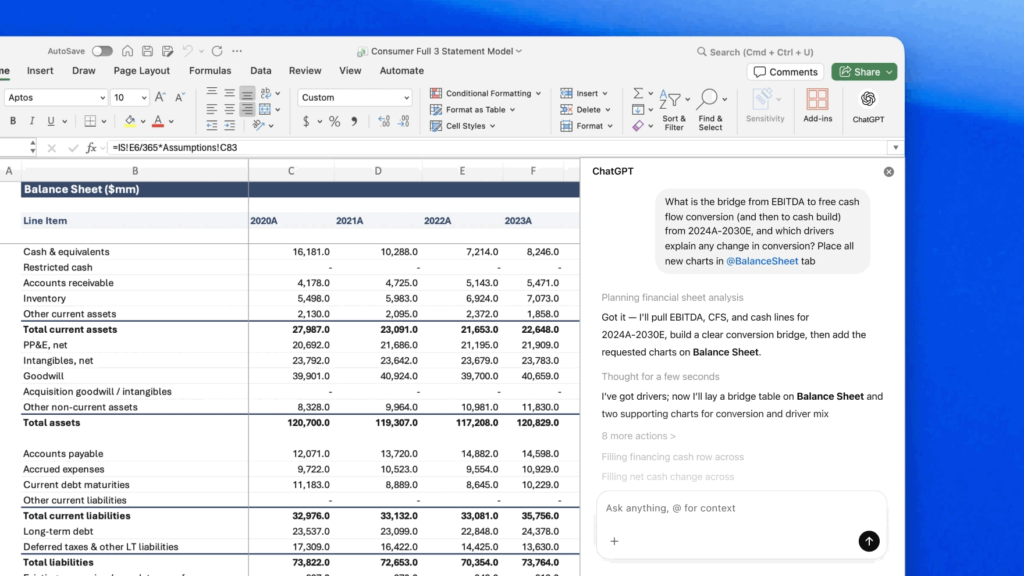
Users can generate spreadsheets based on written instructions. This includes:
One of the more talked-about features is formula interpretation.
If a formula breaks or returns an error, users can ask ChatGPT:
This could save time for users who are not deeply familiar with spreadsheet functions.
ChatGPT can help summarize trends and patterns across multiple spreadsheet tabs.1
For example, a user could ask:
“Summarize the top spending categories from these sheets.”
The system can then review the spreadsheet and provide a written summary.
The integration can also:
OpenAI says users can review edits, formulas, and spreadsheet updates before changes are finalized.1
Traditional spreadsheet work often requires:
ChatGPT changes that workflow by allowing users to describe the outcome they want instead of manually building every step.
Advanced Excel users will still benefit from understanding formulas and spreadsheet structure. However, newer users may find spreadsheets less intimidating with conversational assistance built directly into the software.
Several groups may adopt the tool quickly.
Small business owners often manage invoices, budgets, reports, and customer data through spreadsheets. Faster spreadsheet creation and analysis may help reduce administrative work.
Marketing departments regularly use spreadsheets for campaign tracking, reporting, paid advertising analysis, and budgeting.
Educational users may use the integration for organizing assignments, analyzing classroom surveys, and managing research data.
Departments that review spreadsheets regularly but lack advanced Excel expertise could also benefit from conversational spreadsheet support.
It may influence how people approach spreadsheets moving forward.
Some users may rely heavily on AI-generated formulas instead of learning spreadsheet functions directly. Others may learn faster because ChatGPT explains formulas step by step while generating them.1
That combination of automation and explanation could make spreadsheet tools easier to approach for beginners.
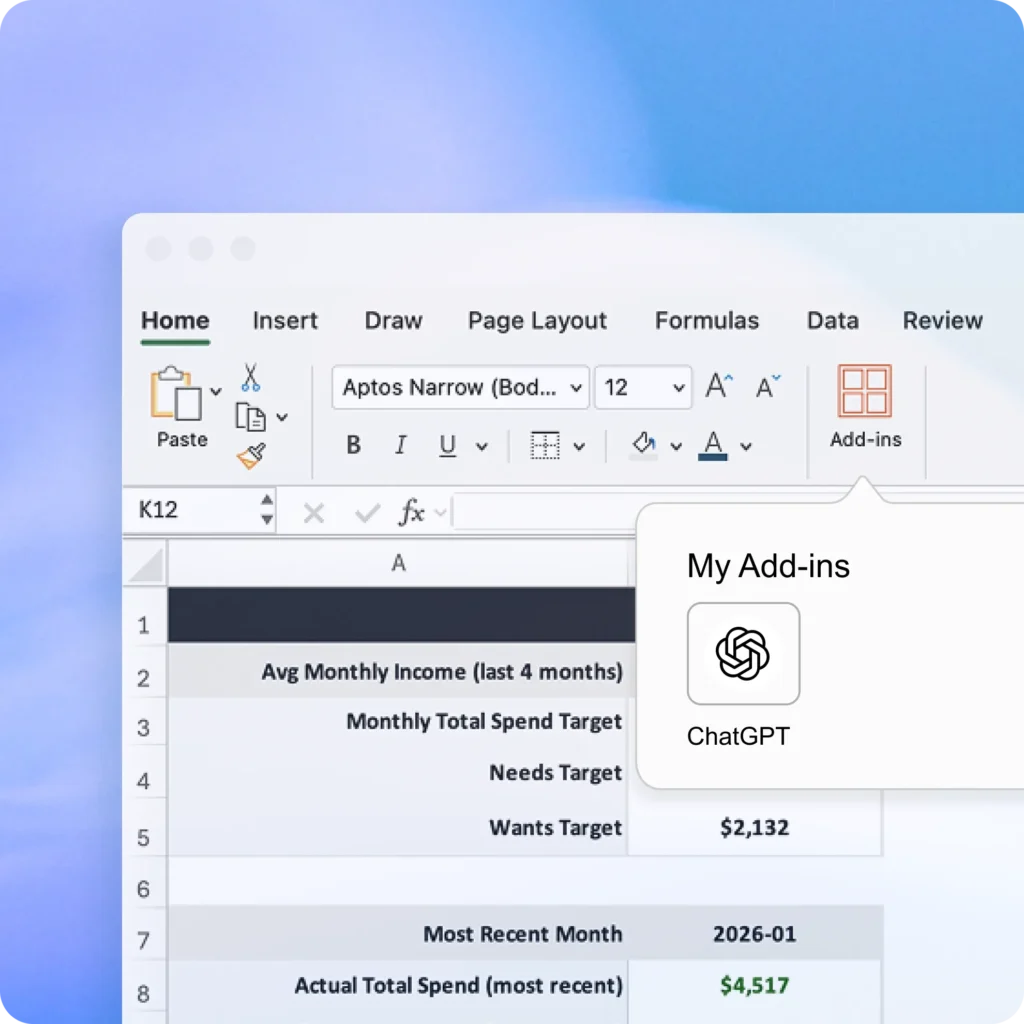
According to OpenAI, ChatGPT for Excel and Google Sheets is rolling out globally for:
OpenAI currently labels the integration as a beta experience.2 Availability may vary depending on organization permissions and account settings.
AI tools are increasingly being integrated into software people already use daily instead of existing as standalone destinations.
That shift matters because spreadsheets remain one of the most widely used workplace tools across industries. Bringing AI directly into Excel and Google Sheets may influence how some users create reports, analyze information, and organize data.
For many users, the biggest appeal may not be advanced automation. It may simply be saving time and reducing frustration while working inside spreadsheets.
ChatGPT for Excel moves AI closer to everyday workflow rather than keeping it separate from the tools people already use.
For experienced spreadsheet users, it may reduce repetitive work. For newer users, it could make spreadsheets easier to approach and easier to understand.
As AI integrations continue appearing inside workplace software, spreadsheet workflows may become one of the clearest examples of how conversational AI changes daily work habits.
Citations
The post ChatGPT for Excel: Why Spreadsheet Users Are Paying Attention appeared first on AI GPT Journal.
Author: Jim Malervy - This post was originally published on this site